
You have a year of work to communicate and a publication date to meet. Before you hire an annual report designer, gather the few decisions that shape the job: who will read it, what they need to understand, which content is approved and who can sign off. A useful brief gives a designer room to create while protecting your team from avoidable rework.
This checklist is for communications teams, foundations, charities and businesses commissioning a designed publication. It helps you hand over the work; it is not a template for writing financial statements. There is a copy-ready brief below and a downloadable version you can share with your team.
1. Define the reader and the decision
“Everyone” is difficult to design for. Name the primary reader: existing donors, potential funders, members, partners or employees. Then write one sentence describing what they should understand after reading. A donor-focused impact report may lead with programme outcomes; a member publication may need easier access to activities and governance. Your organisation decides the content priorities before the designer sets their visual hierarchy.
Give the designer a clear purpose rather than prescribing every layout. CharityComms’ creative-brief checklist is a useful reference for setting objectives, audience, deliverables, budget and timing. Our handoff below translates those decisions into a report production brief.
2. Separate ready content from pending content
| Folder | Include | Confirm before layout |
|---|---|---|
| 01 Text | One editable manuscript with a clear section order. | Approved wording; pending sections explicitly marked. |
| 02 Data | Spreadsheets, chart labels, units, reporting periods and sources. | Named owner for each table; signed-off figures. |
| 03 Images | Original photographs, captions and credits. | Usable files and permission for the intended publication. |
| 04 Brand | Logo files, brand guide and permitted fonts. | Current versions and any mandatory partner identities. |
| 05 Production | Previous report, target format and printer instructions. | Languages, distribution channels and final approval owner. |
Do not hide uncertainty inside a file called “final.” A table awaiting finance approval should say so. Concept development may be possible while a small section is pending, but full layout needs an agreed content baseline. If a new section arrives after pagination, it may move charts, page references and the contents list. Agree how that extra work will be handled.
3. Agree on pages and complexity before choosing a package
Count finished pages including covers, and list charts and tables separately. A simple bar chart from clean data is different from an illustrated process diagram or a multi-page financial statement. Send one example of the hardest material. If you only know the manuscript length, ask the designer to estimate pagination rather than promising that everything will fit.
For example, a 24-page draft with ten charts should not be priced only by its page count. At COLONFILM, the Complete report package includes up to 32 final pages and 8 simple charts or tables. Ten charts exceed that allowance: discuss the scope before booking. Our annual report design cost guide shows the full comparison.
4. Choose a representative design sample
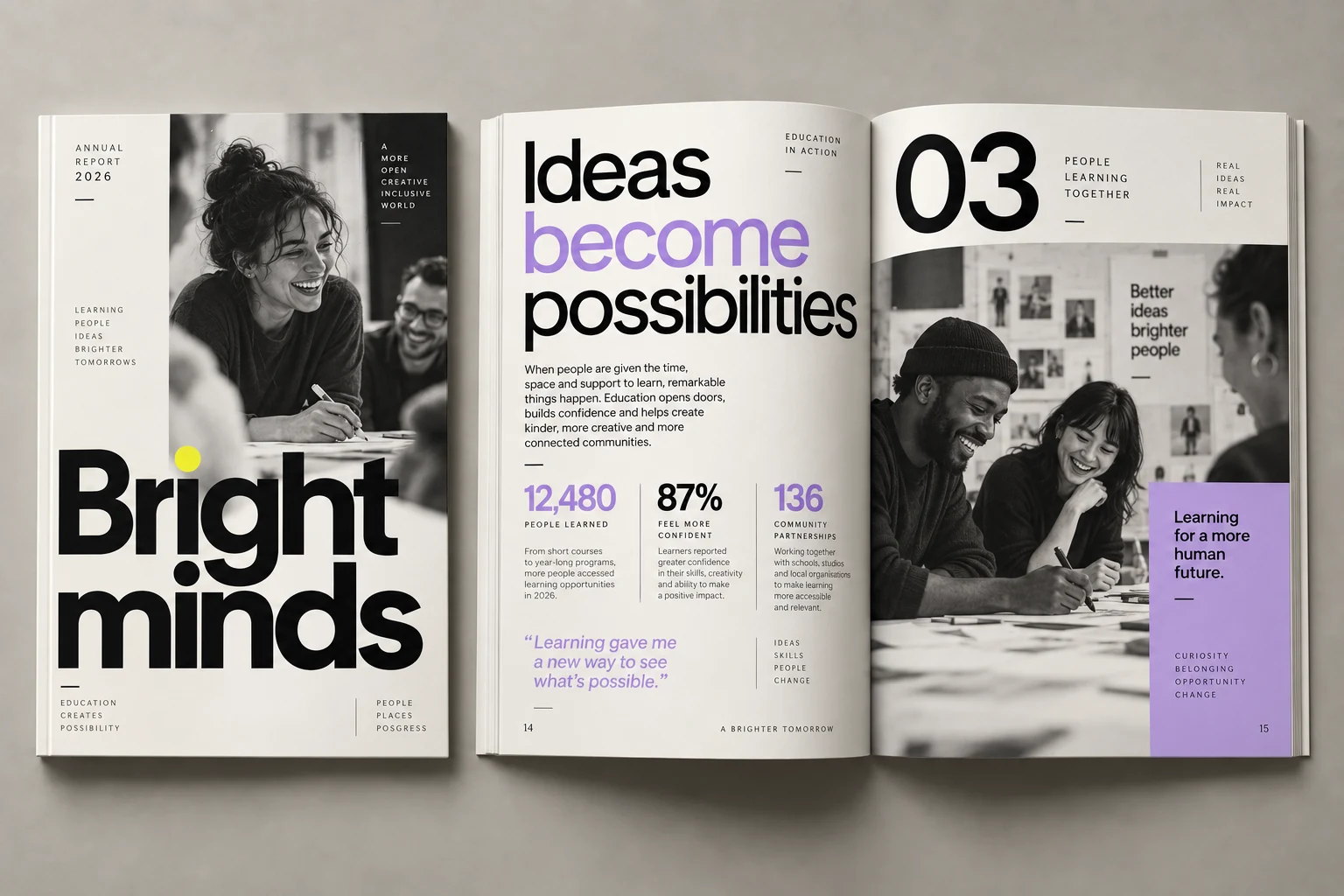
During the paid project, review a cover direction and a small set of sample pages before the entire report is laid out. Include the material that will recur: body text, a programme story with a photograph and a data-heavy section. This lets you judge whether the design works beyond the opening image.
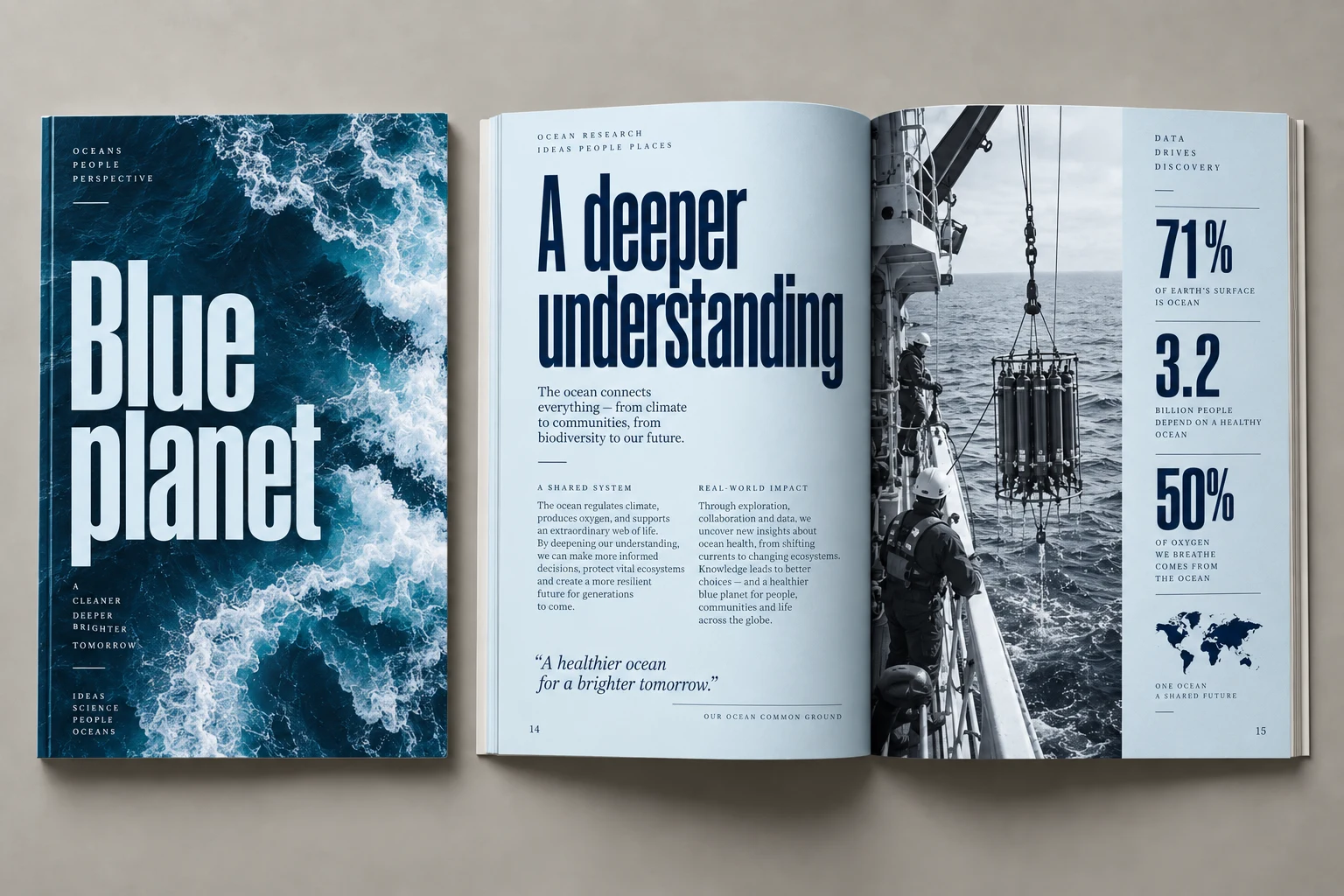
- Can a reader find the main result before reading every paragraph?
- Are headings, figure labels and captions readable at the intended viewing size?
- Do charts retain units, dates, sources and any necessary caveats?
- Does the design feel like your organisation without placing a logo on every element?
5. Make one person responsible for consolidated feedback
Several people can review the report, but one person should deliver a reconciled list of changes. Mark each comment with a page and location, supply the replacement wording, and resolve conflicting requests inside your team. “Use the revised total in the spreadsheet dated Tuesday” is actionable; three different totals in three email threads are not.
Separate changes to the visual direction, corrections to the supplied content and technical file issues. Agree how revision rounds work and which changes expand the brief. Put your internal review dates on the schedule as well as the designer’s delivery dates. Your publication plan needs both.
6. Specify the final files before production
For screen use, discuss navigation and download size. For print, obtain the selected printer’s specifications. If you need editable source files, name the format and discuss how fonts and linked assets can be handed over under their licences. A screen PDF, a print PDF, an editable document and an accessible PDF are separate requirements; do not assume one file satisfies all of them.
Our annual report design packages include screen and print PDFs plus INDD and IDML source files. They do not include writing, translation, printing or certified accessibility. Tell us about additional requirements before ordering so you can assess the complete job.
A brief you can copy and send
- Organisation and report title:
- Primary reader and what they should understand:
- Publication date and internal approval dates:
- Approximate final pages, including covers:
- Charts, tables and complex material:
- Copy and data status; owner of pending items:
- Images and brand assets available:
- Languages, page size and distribution channels:
- Required delivery files and accessibility requirements:
- Budget range and person responsible for approval:
Download the brief as an editable text file. No account or email required.
You do not need to solve the design before contacting us. Bring the draft, your constraints and a few visual references with a sentence explaining what you like. Explore the report design concepts, then send us your report brief. We can assess whether a package fits or whether the project needs a tailored scope.